The Global Settings tab on the Widget Settings page allows you to configure settings that apply to the loyalty widget universally, regardless of your customers' logged-in status. These settings control the overall behaviour, appearance, and functionality of the widget, ensuring a consistent experience for all visitors.
Features and Configuration
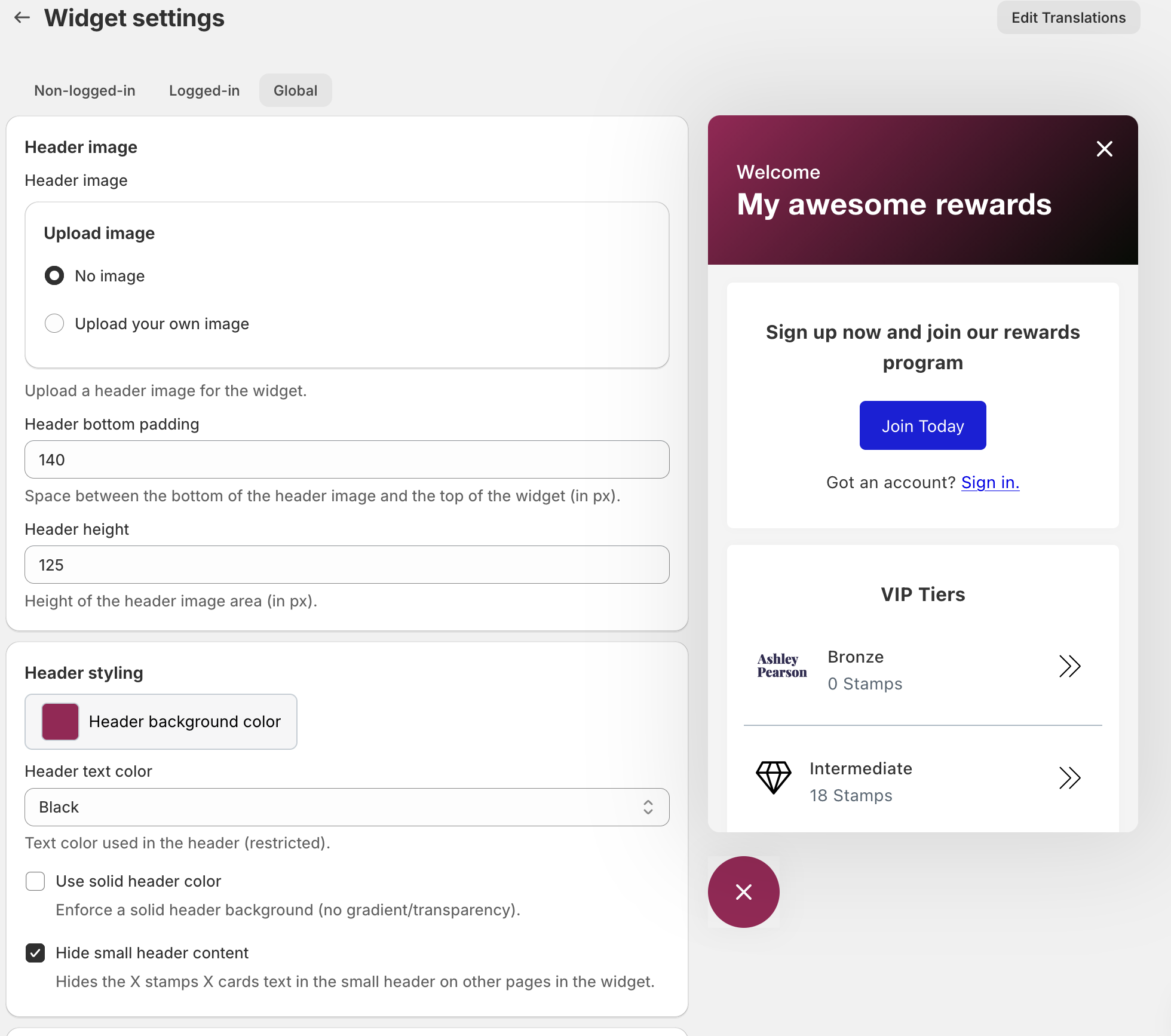
Within the Global Settings, you can customise the following components:
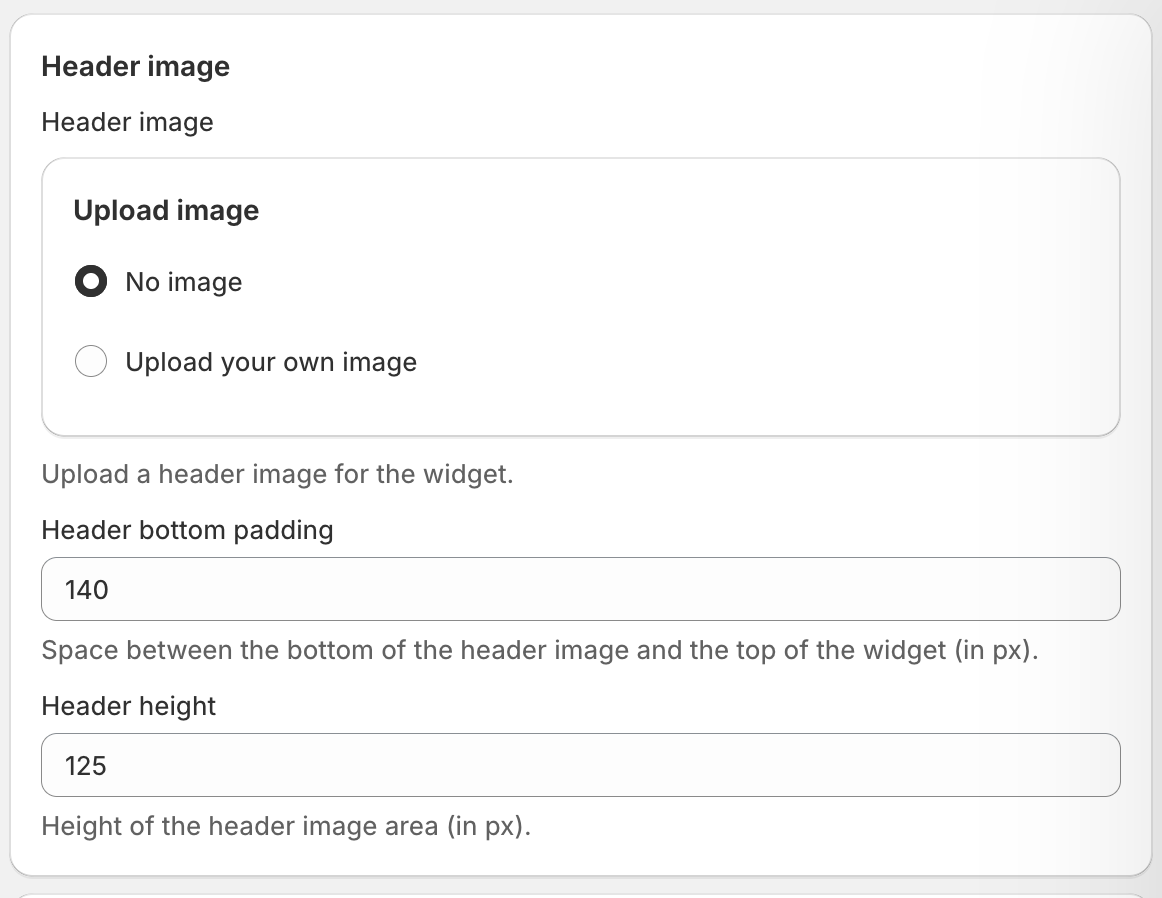
Header image
-
Header image: Upload an image to the header of the widget.
-
Widget Position: Choose where the widget appears on your site (e.g., bottom right, bottom left).
-
Display Rules: Set conditions for when and where the widget should be visible (e.g., specific pages or devices).
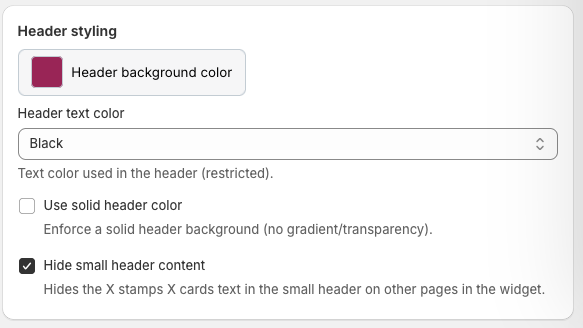
Header styling
-
Header styling: Pick the header background colour.
-
header text colour: select from the dropdown menu what colour you wan the header text to be.
-
Use solid header color: Enforce a solid header background (no gradient/transparency).
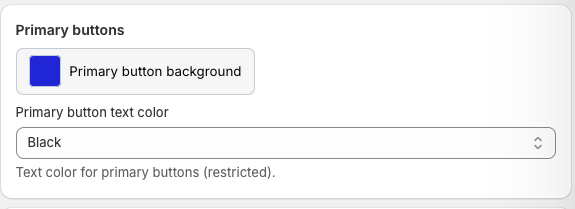
Primary buttons
-
Primary button background: Choose the background color behind the button.
-
Primary button text color: Text color for primary buttons (restricted).
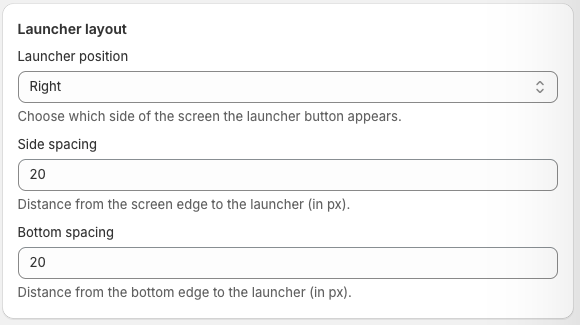
Launcher layout
-
Launcher layout: Choose which side of the screen the launcher button appears.
-
Side spacing: Distance from the screen edge to the launcher (in px).
-
Bottom spacing: Distance from the bottom edge to the launcher (in px).
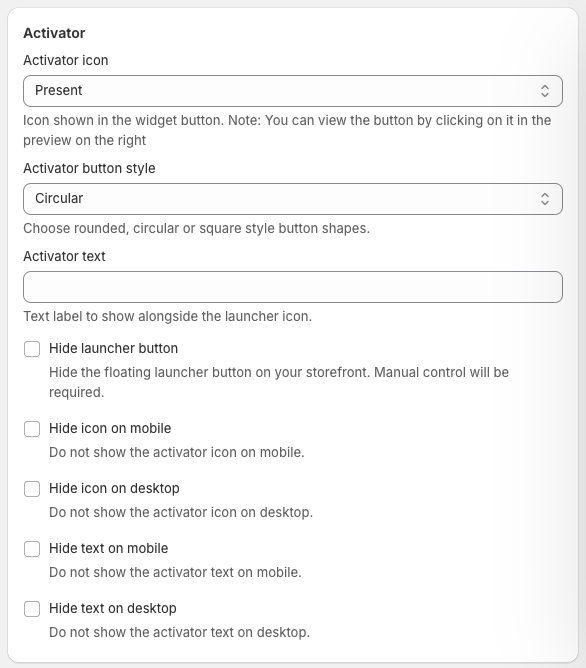
Activator
-
In your Appy Stamp dashboard, navigate to the Widget Settings page.
-
Select the Global Settings tab.
-
Adjust the settings as described above to configure the widget’s global behaviour and appearance.
-
Use the widget preview pane to see your changes in real time.
-
Click Save to apply your updates.
Tips for Optimising Global Settings
-
Position the widget where it is visible but does not obstruct essential site content.
-
Use brand colours and themes to maintain a cohesive look across your store and loyalty widget.
-
Review display rules regularly to ensure the widget is shown appropriately across different pages and devices.
-
Test the widget on multiple devices to confirm consistent behaviour and appearance.