Choosing how many stamps per card

During Onboarding you will have selected how many Stamps you want to make up each Reward Card. If you ever want to edit this choice, you can do so here.
Important: If you change your card value after customers have earned stamps, you will affect how quickly or slowly they will be able to earn a reward depending on if you make the stamp card larger or smaller, so change with caution.
Changing the name of your stamps
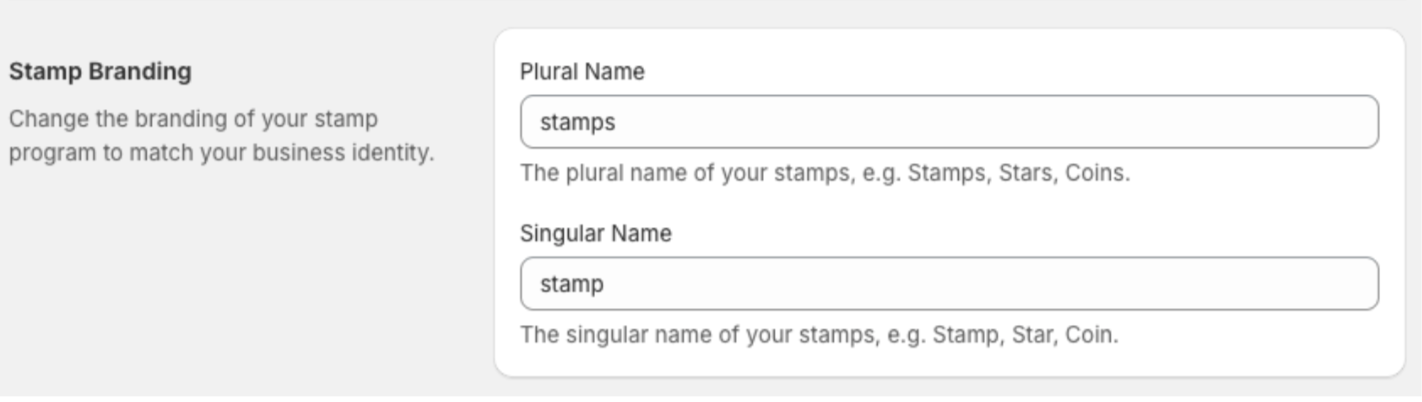
This is where you can change the naming of your stamp program to match your business identity.
Turning your program on & off

If you didn’t activate your loyalty program at the end of the Onboarding stage, this is where you can come to turn it on. Remember you also need to enable the widget in the Shopify theme customiser as well, if you did not also do this during onboarding.
You can disable the program here too if needed. Disabling (pausing) your rewards program is useful for making changes and updates to your settings without causing notifications to be sent out to customers or the widget showing up on your store.