Product stamp bonuses are a great way to target specific products and reward customers who purchase these specific products.
To set up a product stamp bonus, Click Add Way To Earn and select Product stamp bonus
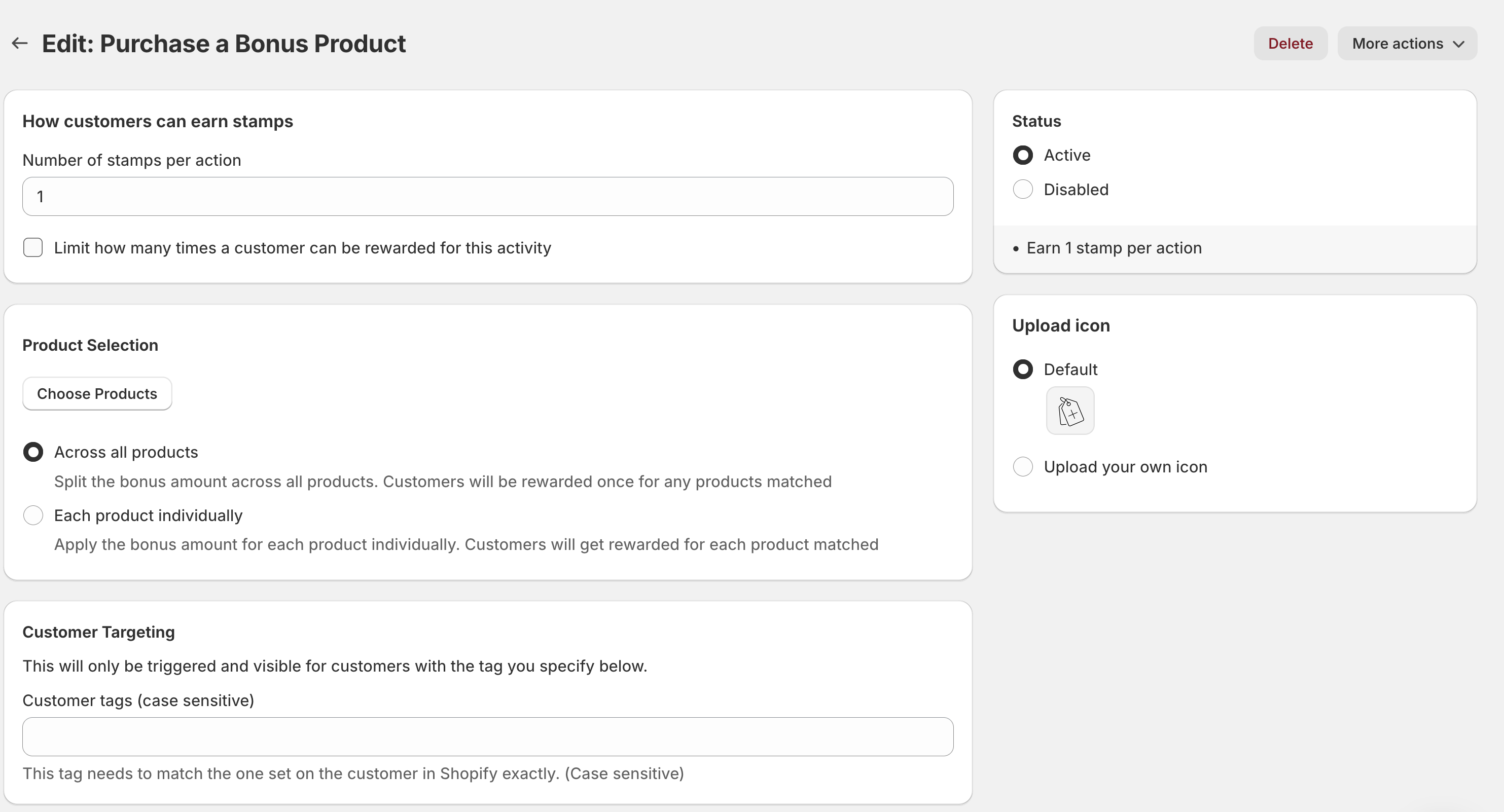
Simply input how many stamps you would like to award each time someone buys a product. You can also limit how many times a customer can purchase the product.
Product bonus selection
This is where you select the product to include in the bonus stamp activity. Click on 'Choose products,' and a modal will appear
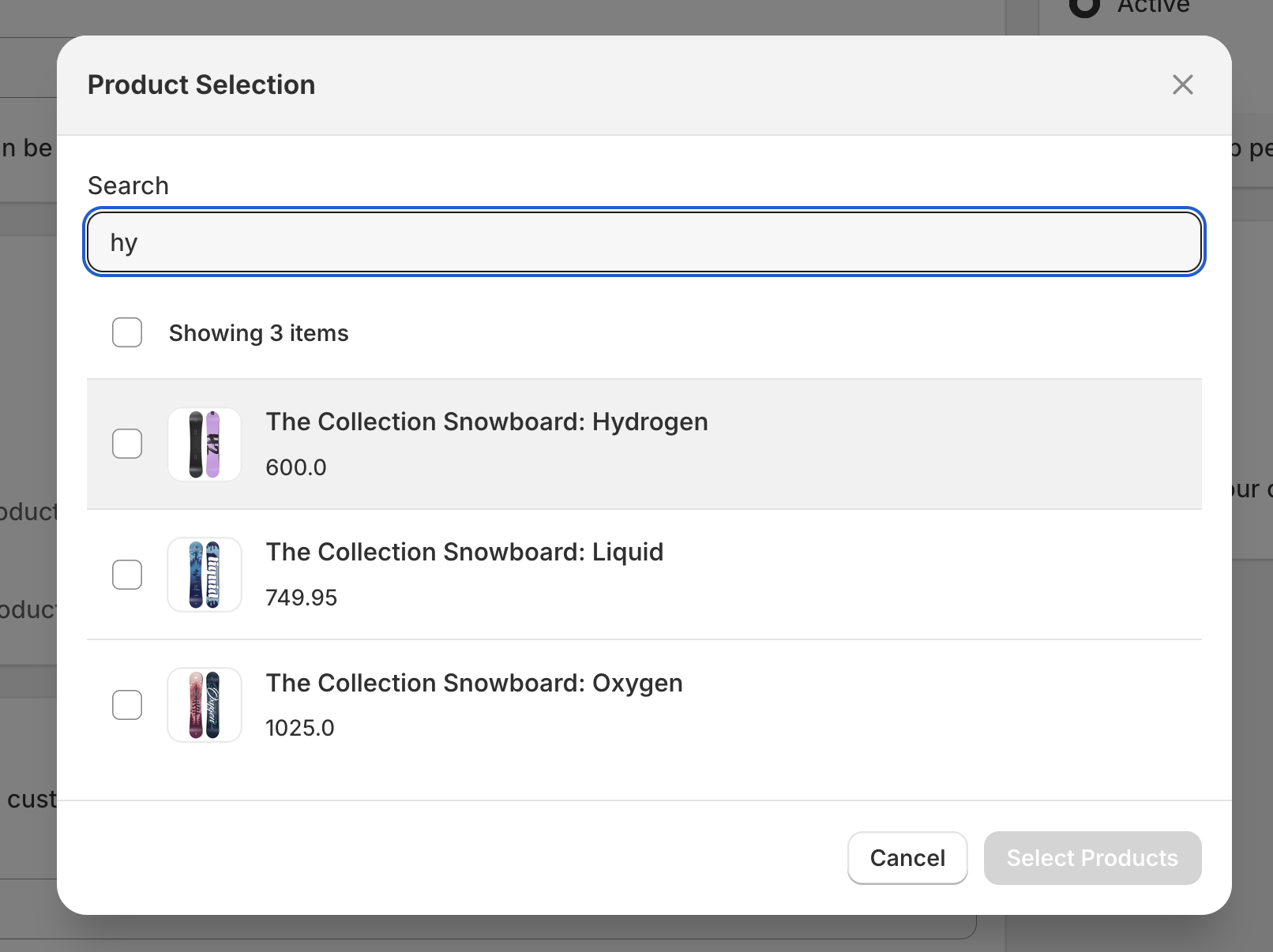
You can then search for the products you would like to add and then click select product. If successful the box will close and the product will appear in the tab like the example below.
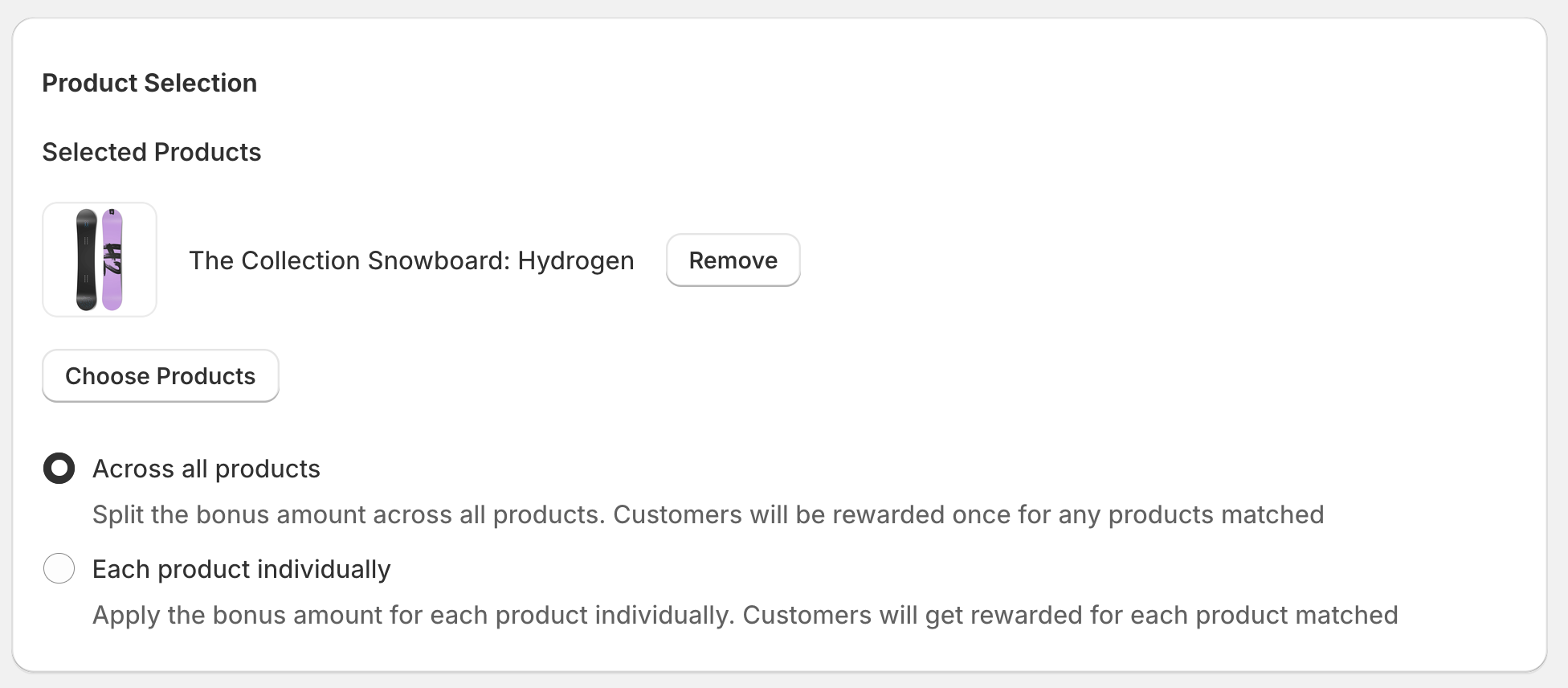
You will also now have 2 allocation methods available.
Across all products – This is where the bonus amount is shared across the whole collection as one. For example, X amount of stamps awarded across the whole of their purchases from the collection.
Each product individually – This is where each product they purchase from the collection will get awarded so X stamps per product within their order.
Once set up correctly any customer that purchases the product that you have assigned to the product bonus activity will receive their standard place an order stamp and the product bonus stamp.
It’s now even easier to promote your bonus product activity with the addition to our Beacons feature, where you can set up a beacon to appear to anyone who is either new to your store or has not signed up yet.