The Javascript SDK allows you to build your own UI around the main tools we use to create our Widget. This means that you can create your own page or tool yourself and have full control over the experience.
Getting Started
To begin you will need to generate our SDK keys which you can do from the UI of the app in the Shopify admin.
-
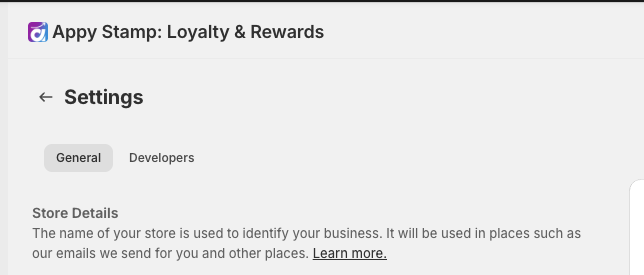
Head to the settings page
-
Then click on the developers tab inside the setting page and if this is your first time setting up, you will see the option to generate your keys.

-
From here you will get your new key and secret and will be able to start using the SDK with your key and secret.
Important: Please keep your SDK secret safe and never expose it as it is used to sign the HMAC to validate it is you. If you are not sure if you have exposed them, please regenerate the keys which will invalidate the previous one.
Additional Resources
We have separate documentation on the SDK which explains each method and authentication in more detail. You can view at https://developer.appydesign.co.uk